![[H]ard|Forum](/styles/hardforum/xenforo/logo_dark.png)

mathesar
[H]ard|Gawd
- Joined
- Jul 5, 2005
- Messages
- 1,590
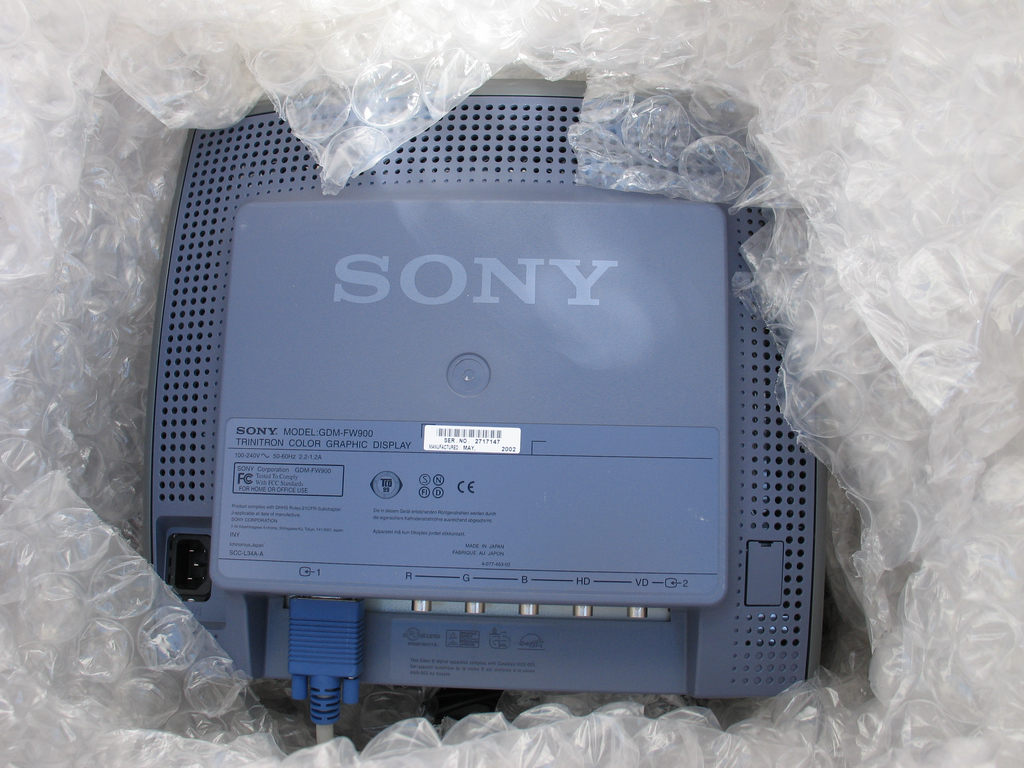
Finally received my FW900 from Ebay, The box was packed extremely well with a thick barrier of bubble wrap around it. The monitor bezel has a scratch but the glass/screen itself is in perfect condition. (Update: I was able to mostly cover up the bezel scratch using a silver colored sharpie, it was a close color match but not perfect)
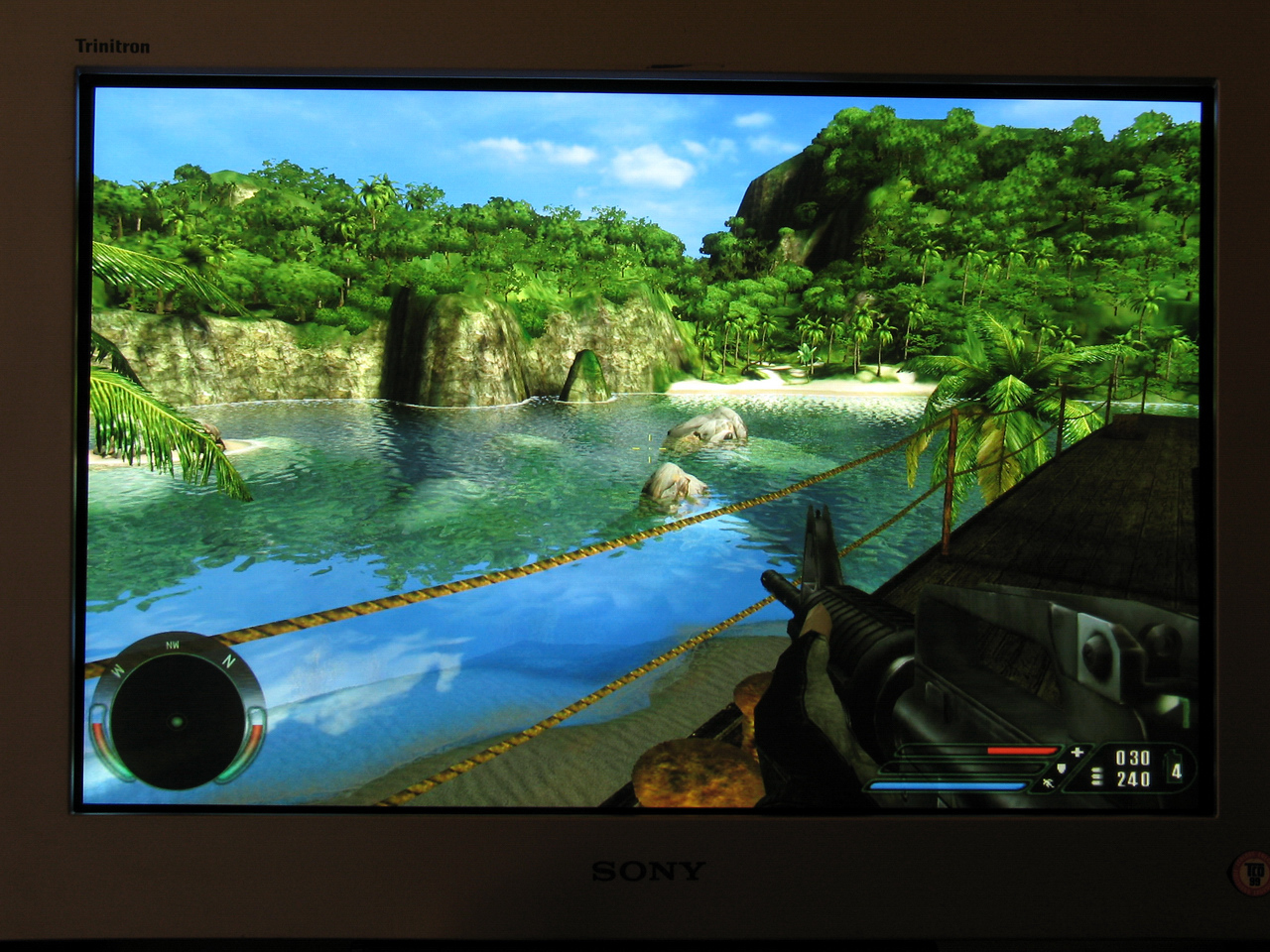
Picture quality on this thing is AWESOME I was very pleased to find the Geometry and Convergence in near perfect condition after looking at various test patterns.Also the overall Focus is excellent corner to corner. It seems as if this monitor wasnt used very much or it just aged very well, I cant see any notable flaws in the picture quality, I havent really messed with it gaming & movie wise but I was just playing FarCry @ 1900x1200 and it looked amazing, I think I got an excellent deal @ $400 shipped,especially considering this monitor retailed for $2,300 new.
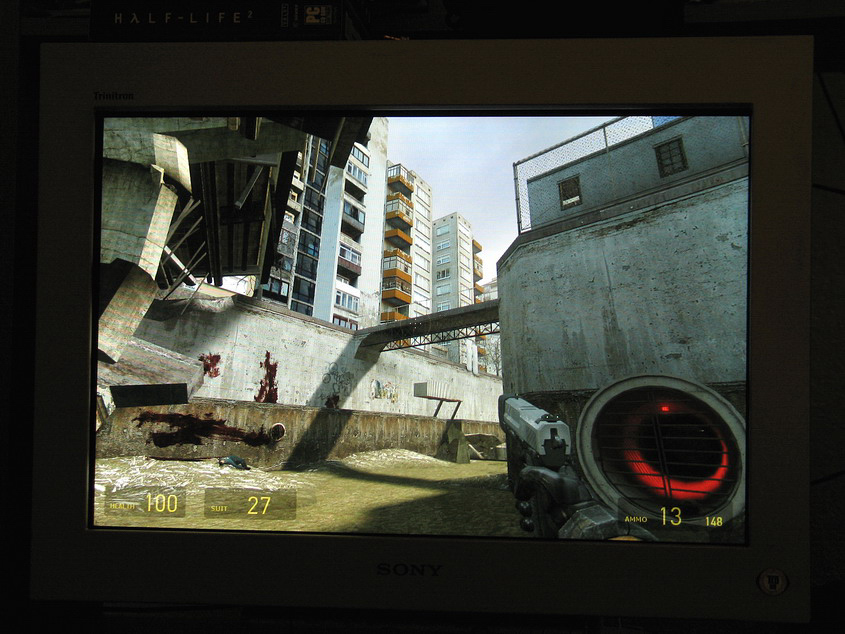
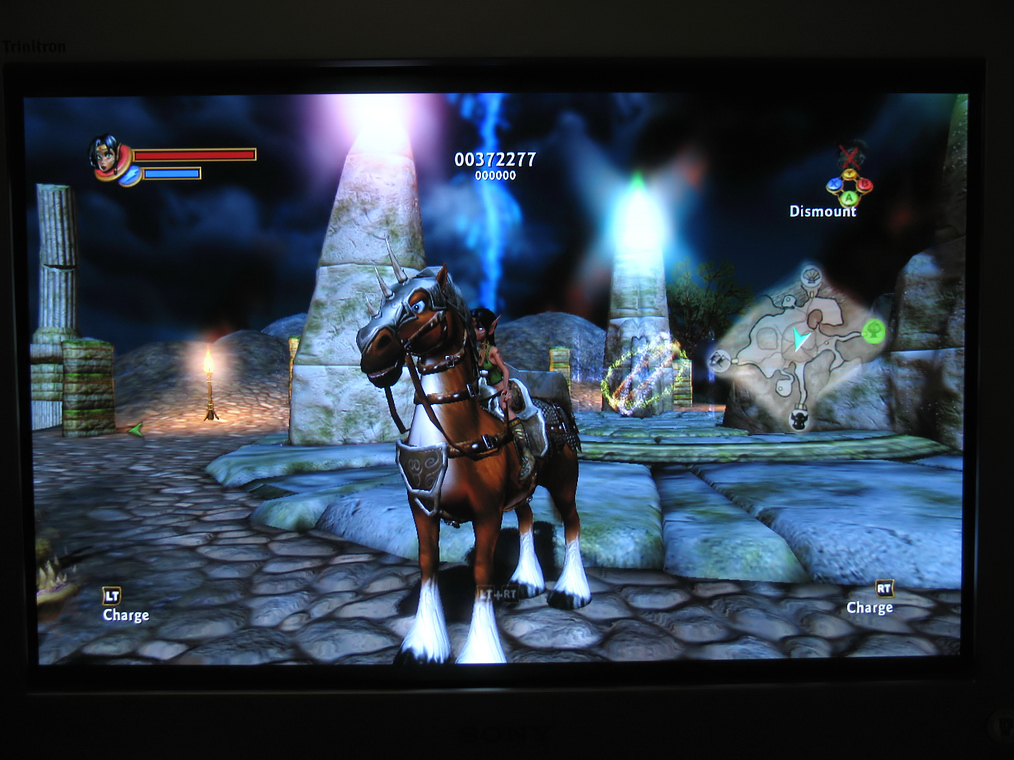
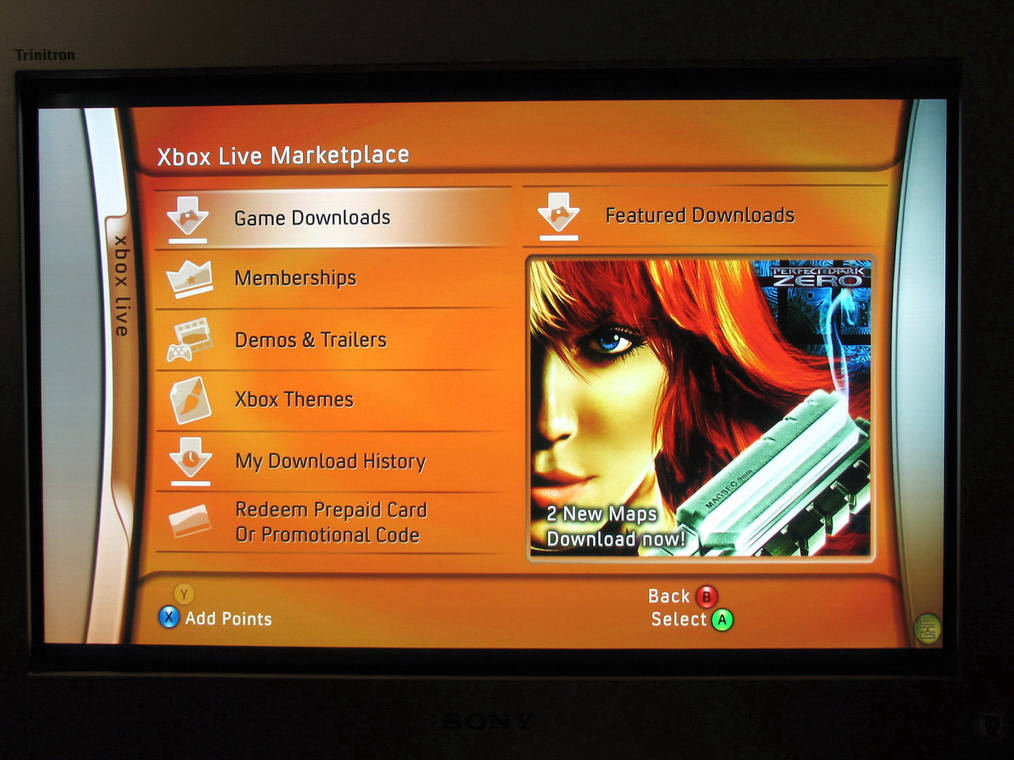
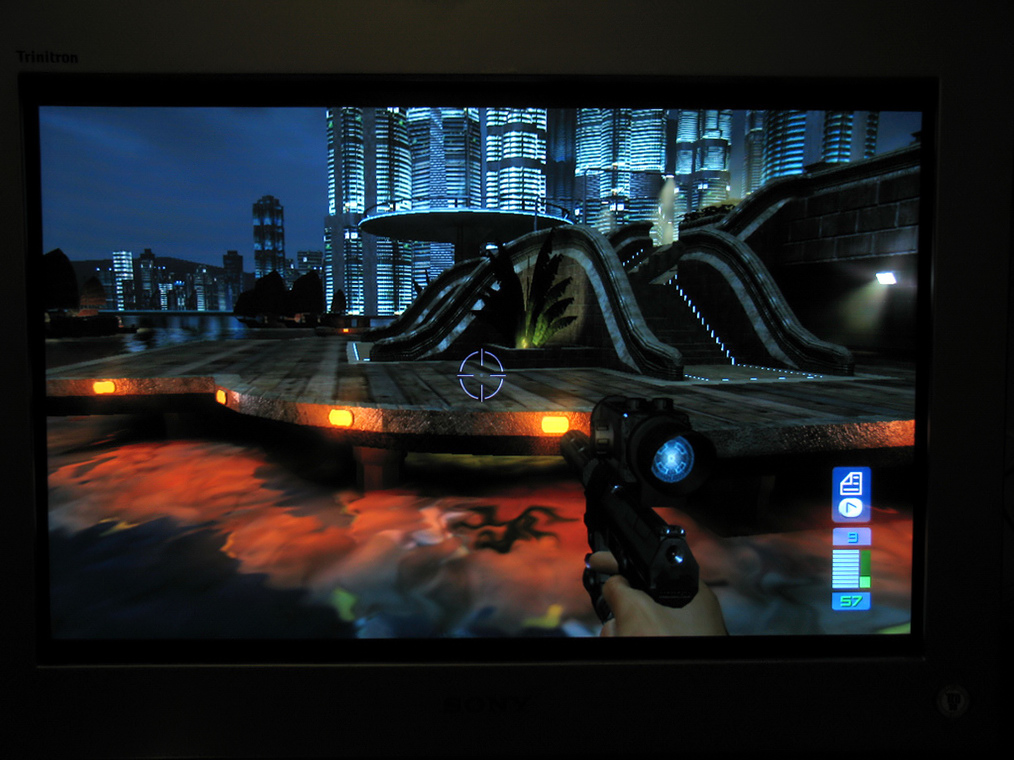
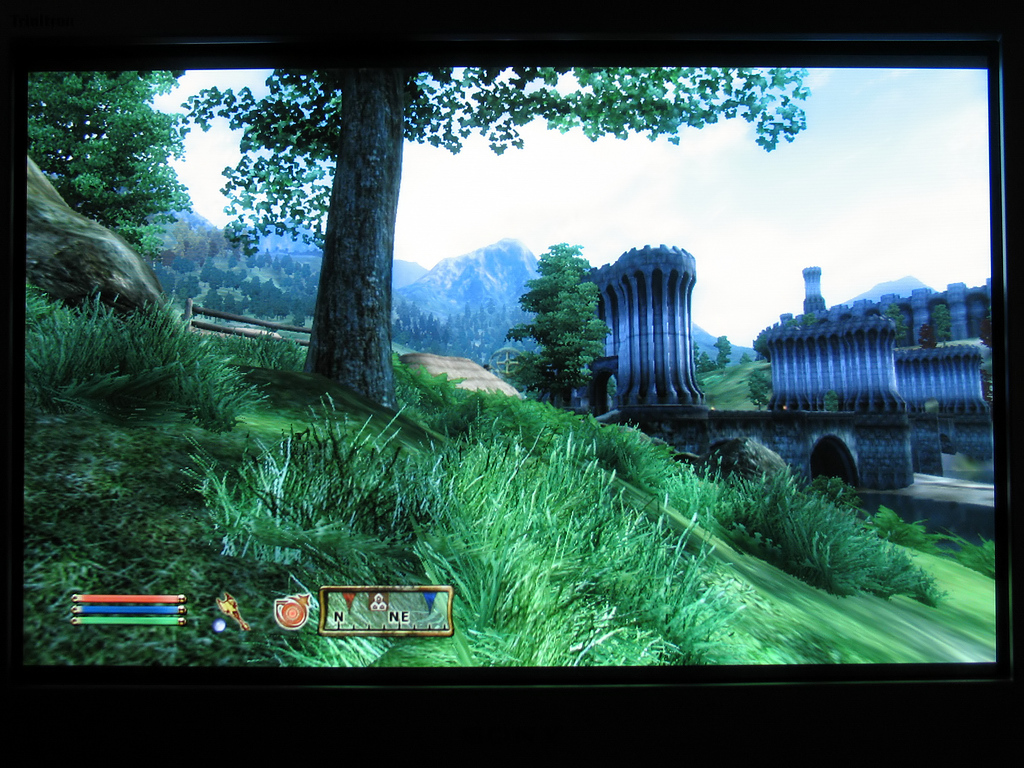
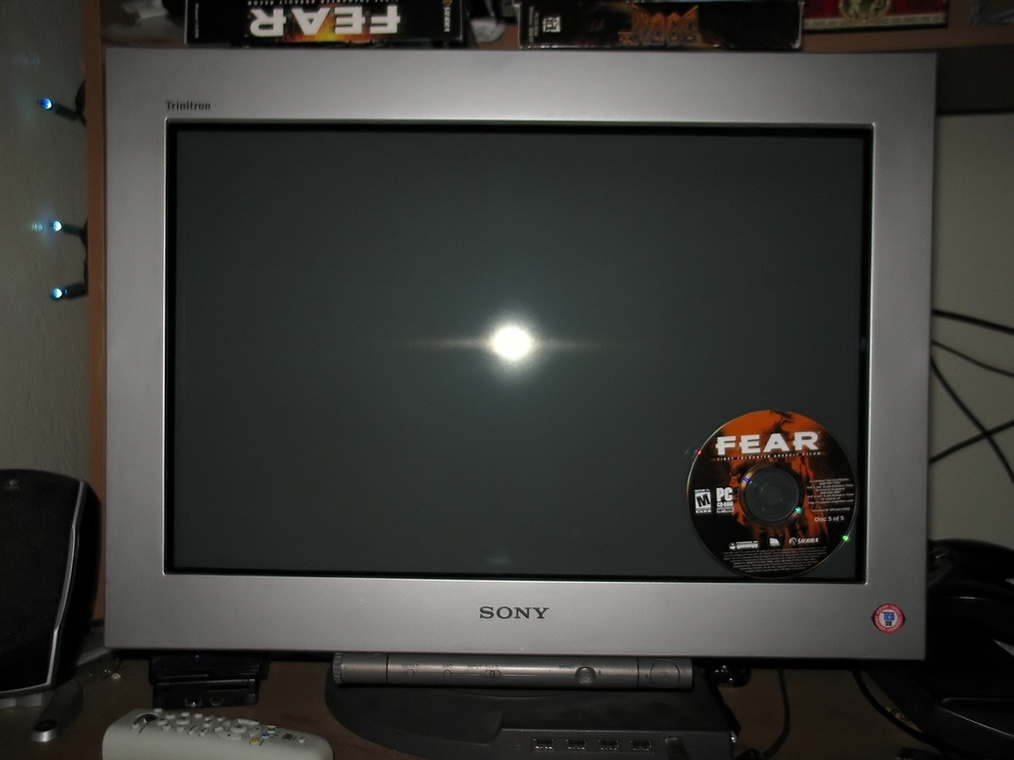
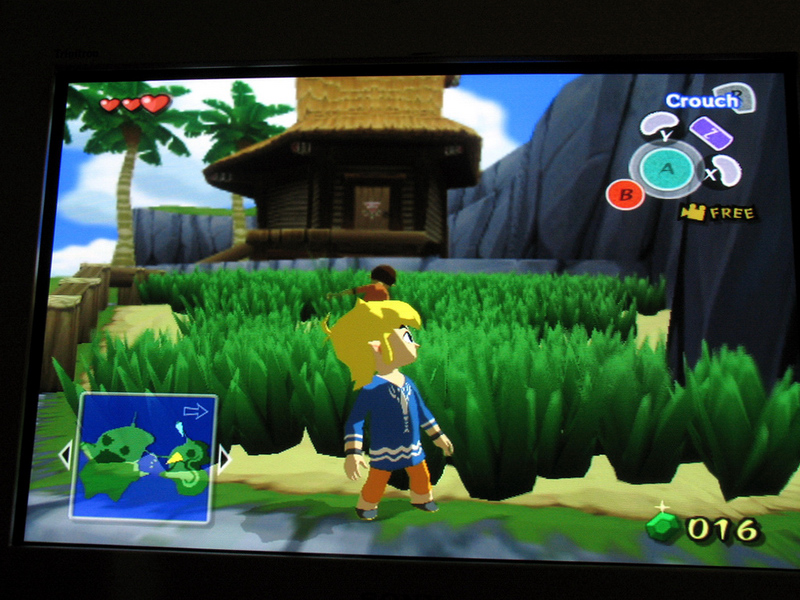
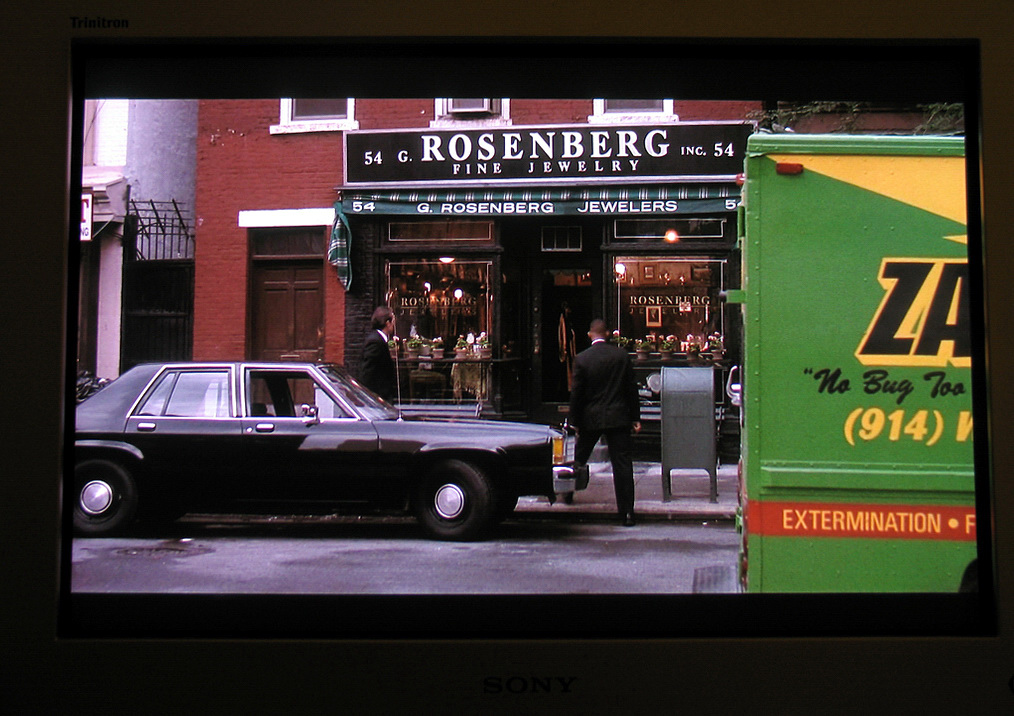
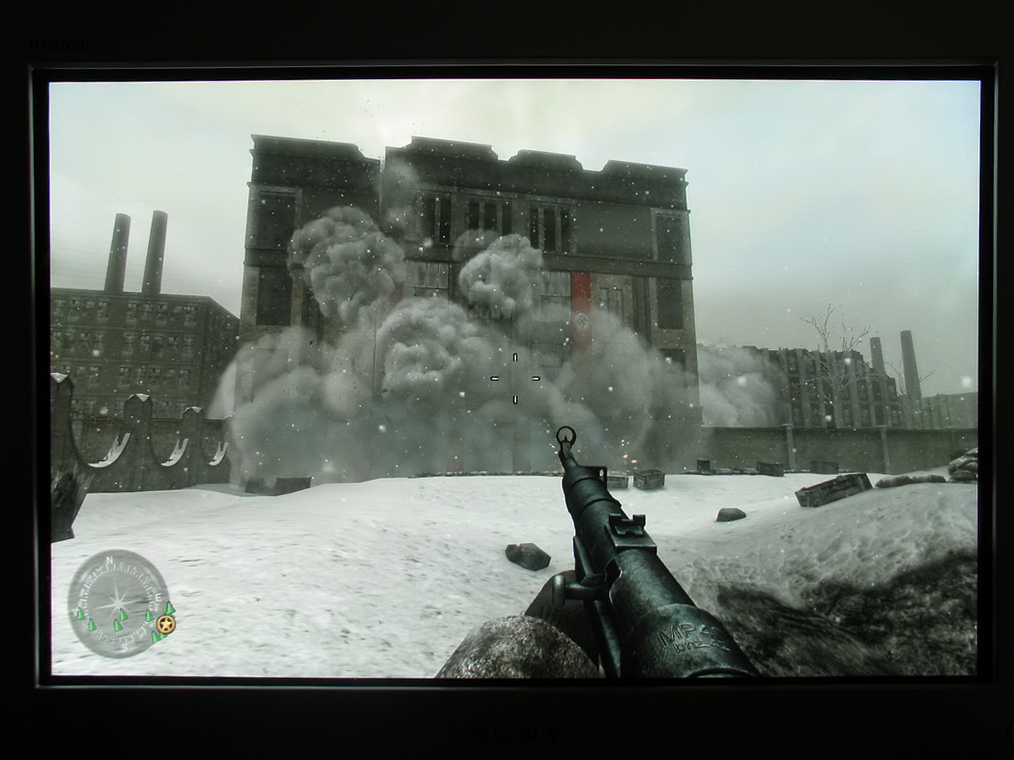
Few pics I took, digital camera doesn't really do it justice tho:
CRT Calibration Guide (courtesy of atwix): http://hardforum.com/showpost.php?p=1039320979&postcount=8742
WinDAS White Point Balance guide for Sony Trinitron CRTs (courtesy of spacediver): http://hardforum.com/showthread.php?t=1830788
A big Thanks to Hurin for putting together the following information from this lengthy thread:
Monitor Information
Sony Product Page (product datasheet, user's manual, driver).
Service Manual.
Aspect Ratio and Resolutions
The monitor is 16:10 aspect ratio. The following resolutions are 16:10:
1280x800
1600x1000
1680x1050
1760x1100
1840x1150
1920x1200
2048x1280
2304x1440 (Max resolution listed in the FW900 product datasheet)
If you can't select these resolutions, make sure the monitor driver is installed (included with Windows XP or you can download it at the link above). If certain resolutions are still not available, you can add custom resolutions easily via NVIDIA's "Custom Resolution and Refresh Rates"control panel. ATi users may need to use a 3rd party application such as "Powerstrip" if their preferred 16:10 resolution is unavailable.
Initial Setup Panic? "Image Restore" to the Rescue!
When you first unpack and power up your monitor, do not worry if black levels and color are way off. Let it warm up for about 30 minutes. After thirty minutes in the powered-on state (don't let the monitor enter "sleep" mode), the "Image Restore" option becomes available under the "Expert" and "sRGB" color settings menu. Set your preferred color temperature in the Expert area and then activate the "Image Restore" option. Your colors should then "pop" into place. Edit: its also good to turn up the monitors Brightness setting before running Image restore, For example I normally run mine at around 25 but before running Image restore Ill turn it up to 50, Then back down after running it. Doing this normally gives the brightness setting a wider range, especially if you're currently having to run the monitor at a low brightness setting to achieve good black levels.
Green Tinge?
If you notice a "green tinge" to greys and blacks, do the "Image Restore" procedure above. But first, raise the Brightness setting for your monitor appreciably above where you'd normally like it. Then, do the "Image Restore" operation.
Discolored Corners?
If you have a yellowish (or other color) "tinge" in one or more corners of your display (but the rest of the display is fine), adjust the "landing" setting for the affected corner in the monitor's setup menu.
Circles Are Oblong!
Sony specs state that the 'standard image area' calls for 1/2" of black space on top/bottom and 1/4" total on the sides. This gives a 1.59x :1 aspect ratio. Close enough for government work. So, adjusting your image area completely to the corners isn't recommended if you want a completely pure 16:10 aspect ratio (totally round circles). But really, it's hard to notice either way.
BNC Cable?
So far, nobody in this thread has noticed any improvement from using them. But, if you want to be sure you're getting the best possible video signal to your monitor, you can try getting this high-quality BNC cable. A high-quality cable has heavily shielded individual signal wires as early as possible in the cable run rather than a standard VGA cable that only breaks out into the five individual wires over the last few inches of the cable.
One side-effect of the BNC cable connection is that you will need to manually set up the monitor driver. The monitor driver is built into Windows XP, You can choose it manually or if you have trouble you can download it from here. When using BNC connections, don't be alarmed if the screen "jumps" or "rolls" for a moment every time you right-click certain video files. This is a side-effect of using BNC cables, apparently. Multiple peope have noticed it.
Monitor focus seem a little soft / blurry?
Over time the optimal focus can tend to drift on CRTs but you can re-adjust it using the 2 focus pots located inside the monitor , Thanks to MightyJoe for the detailed info on gaining access to these adjustments here. Sorry the picture links are currently dead if anyone has them backed up please let me know, Although It might not even be necessary to open your monitor , refer to the Alternate method for adjusting focus below.
-
UPDATE / Alternate method for adjusting Focus: Apparently you can adjust the focus pots from the outside of the monitor! I recently adjusted my monitor using this method ,Thanks to beast for this info: "The pots are visible from the outside by shining a flashlight into the left rear top of the case, and with a small screwdriver, they were easily accessible thru the ventilation slots. The metal cage inside the plastic case has round holes, and the pots are directly under two holes, which happen to be directly under two ventilation slots. It looks intentional from the outside, but i could just be lucky." uberwurst confirmed that he was also able to adjust it from the outside so it's definitely worth a try before going through all the trouble opening the monitor. When adjusting the Focus I noticed its best to have the Contrast turned up to around 85 and display a white backround with black or blue text (such as cnn.com which has both) if its even slightly out of focus the text will appear blurry ,try to get it as clear as possible with contrast turned up and you'll be in good shape.
How Does It Display 4:3 Content?
It's up to you! For non-widescreen content, the monitor can show it in all its glory in the proper aspect ratio by simply squeezing the raster area so that it's only drawing in the 4:3 areas of the screen. In other words, there will be black "undrawn" bars on either side of the image. If you don't mind a distorted image, the monitor can also "stretch" the image to fill the entire screen. But then, things look "fat."
The proper 4:3 aspect ratio can easily be attained by pressing the "ACS" button on the front of the monitor when any 4:3 resolution is displayed.
Opening the monitor
If for whatever reason you need to open the monitor for service etc. here's some info on how to do it, Just remember to BE CAREFUL as there are high voltage areas in the monitor even after its been unplugged for days: Link
Removing Anti-Glare coating from monitor
If you have scratches in the antiglare coating (the dreaded rainbow effect) there is the option of removing the coating entirely, of course it involves tearing down the monitor but people have reported good results: Link and also here.
Dynamic Convergence Adjustments
With the help of WinDAS you can make Dynamic Convergence adjustments across the entire screen, This allows for picture perfect Convergence compared to using the monitors limited user adjustments, Thanks to Hurin for making this guide! Link
UPDATE: Thanks to roberta for spending the time putting together this refrence list of topics from this ever growing thread: Refrence List
Last Updated: Jan 3, 2015
Picture quality on this thing is AWESOME I was very pleased to find the Geometry and Convergence in near perfect condition after looking at various test patterns.Also the overall Focus is excellent corner to corner. It seems as if this monitor wasnt used very much or it just aged very well, I cant see any notable flaws in the picture quality, I havent really messed with it gaming & movie wise but I was just playing FarCry @ 1900x1200 and it looked amazing, I think I got an excellent deal @ $400 shipped,especially considering this monitor retailed for $2,300 new.
Few pics I took, digital camera doesn't really do it justice tho:
CRT Calibration Guide (courtesy of atwix): http://hardforum.com/showpost.php?p=1039320979&postcount=8742
WinDAS White Point Balance guide for Sony Trinitron CRTs (courtesy of spacediver): http://hardforum.com/showthread.php?t=1830788
A big Thanks to Hurin for putting together the following information from this lengthy thread:
Monitor Information
Sony Product Page (product datasheet, user's manual, driver).
Service Manual.
Aspect Ratio and Resolutions
The monitor is 16:10 aspect ratio. The following resolutions are 16:10:
1280x800
1600x1000
1680x1050
1760x1100
1840x1150
1920x1200
2048x1280
2304x1440 (Max resolution listed in the FW900 product datasheet)
If you can't select these resolutions, make sure the monitor driver is installed (included with Windows XP or you can download it at the link above). If certain resolutions are still not available, you can add custom resolutions easily via NVIDIA's "Custom Resolution and Refresh Rates"control panel. ATi users may need to use a 3rd party application such as "Powerstrip" if their preferred 16:10 resolution is unavailable.
Initial Setup Panic? "Image Restore" to the Rescue!
When you first unpack and power up your monitor, do not worry if black levels and color are way off. Let it warm up for about 30 minutes. After thirty minutes in the powered-on state (don't let the monitor enter "sleep" mode), the "Image Restore" option becomes available under the "Expert" and "sRGB" color settings menu. Set your preferred color temperature in the Expert area and then activate the "Image Restore" option. Your colors should then "pop" into place. Edit: its also good to turn up the monitors Brightness setting before running Image restore, For example I normally run mine at around 25 but before running Image restore Ill turn it up to 50, Then back down after running it. Doing this normally gives the brightness setting a wider range, especially if you're currently having to run the monitor at a low brightness setting to achieve good black levels.
Green Tinge?
If you notice a "green tinge" to greys and blacks, do the "Image Restore" procedure above. But first, raise the Brightness setting for your monitor appreciably above where you'd normally like it. Then, do the "Image Restore" operation.
Discolored Corners?
If you have a yellowish (or other color) "tinge" in one or more corners of your display (but the rest of the display is fine), adjust the "landing" setting for the affected corner in the monitor's setup menu.
Circles Are Oblong!
Sony specs state that the 'standard image area' calls for 1/2" of black space on top/bottom and 1/4" total on the sides. This gives a 1.59x :1 aspect ratio. Close enough for government work. So, adjusting your image area completely to the corners isn't recommended if you want a completely pure 16:10 aspect ratio (totally round circles). But really, it's hard to notice either way.
BNC Cable?
So far, nobody in this thread has noticed any improvement from using them. But, if you want to be sure you're getting the best possible video signal to your monitor, you can try getting this high-quality BNC cable. A high-quality cable has heavily shielded individual signal wires as early as possible in the cable run rather than a standard VGA cable that only breaks out into the five individual wires over the last few inches of the cable.
One side-effect of the BNC cable connection is that you will need to manually set up the monitor driver. The monitor driver is built into Windows XP, You can choose it manually or if you have trouble you can download it from here. When using BNC connections, don't be alarmed if the screen "jumps" or "rolls" for a moment every time you right-click certain video files. This is a side-effect of using BNC cables, apparently. Multiple peope have noticed it.
Monitor focus seem a little soft / blurry?
Over time the optimal focus can tend to drift on CRTs but you can re-adjust it using the 2 focus pots located inside the monitor , Thanks to MightyJoe for the detailed info on gaining access to these adjustments here. Sorry the picture links are currently dead if anyone has them backed up please let me know, Although It might not even be necessary to open your monitor , refer to the Alternate method for adjusting focus below.
-
UPDATE / Alternate method for adjusting Focus: Apparently you can adjust the focus pots from the outside of the monitor! I recently adjusted my monitor using this method ,Thanks to beast for this info: "The pots are visible from the outside by shining a flashlight into the left rear top of the case, and with a small screwdriver, they were easily accessible thru the ventilation slots. The metal cage inside the plastic case has round holes, and the pots are directly under two holes, which happen to be directly under two ventilation slots. It looks intentional from the outside, but i could just be lucky." uberwurst confirmed that he was also able to adjust it from the outside so it's definitely worth a try before going through all the trouble opening the monitor. When adjusting the Focus I noticed its best to have the Contrast turned up to around 85 and display a white backround with black or blue text (such as cnn.com which has both) if its even slightly out of focus the text will appear blurry ,try to get it as clear as possible with contrast turned up and you'll be in good shape.
How Does It Display 4:3 Content?
It's up to you! For non-widescreen content, the monitor can show it in all its glory in the proper aspect ratio by simply squeezing the raster area so that it's only drawing in the 4:3 areas of the screen. In other words, there will be black "undrawn" bars on either side of the image. If you don't mind a distorted image, the monitor can also "stretch" the image to fill the entire screen. But then, things look "fat."
The proper 4:3 aspect ratio can easily be attained by pressing the "ACS" button on the front of the monitor when any 4:3 resolution is displayed.
Opening the monitor
If for whatever reason you need to open the monitor for service etc. here's some info on how to do it, Just remember to BE CAREFUL as there are high voltage areas in the monitor even after its been unplugged for days: Link
Removing Anti-Glare coating from monitor
If you have scratches in the antiglare coating (the dreaded rainbow effect) there is the option of removing the coating entirely, of course it involves tearing down the monitor but people have reported good results: Link and also here.
Dynamic Convergence Adjustments
With the help of WinDAS you can make Dynamic Convergence adjustments across the entire screen, This allows for picture perfect Convergence compared to using the monitors limited user adjustments, Thanks to Hurin for making this guide! Link
UPDATE: Thanks to roberta for spending the time putting together this refrence list of topics from this ever growing thread: Refrence List
Last Updated: Jan 3, 2015
Last edited:

 Same guy, I saw you mentioned same MA town, noticed it was the same as my ebay. I think you're thread got me to buy this thing. I was kind of in the dark they had 24" Widescreen CRTs. I was ok with LCD drawbacks, but I had to try door number two. So cheap!