![[H]ard|Forum](/styles/hardforum/xenforo/logo_dark.png)
Navigation
Install the app
How to install the app on iOS
Follow along with the video below to see how to install our site as a web app on your home screen.
Note: This feature may not be available in some browsers.
More options
-
Some users have recently had their accounts hijacked. It seems that the now defunct EVGA forums might have compromised your password there and seems many are using the same PW here. We would suggest you UPDATE YOUR PASSWORD and TURN ON 2FA for your account here to further secure it. None of the compromised accounts had 2FA turned on.
Once you have enabled 2FA, your account will be updated soon to show a badge, letting other members know that you use 2FA to protect your account. This should be beneficial for everyone that uses FSFT.
You are using an out of date browser. It may not display this or other websites correctly.
You should upgrade or use an alternative browser.
You should upgrade or use an alternative browser.
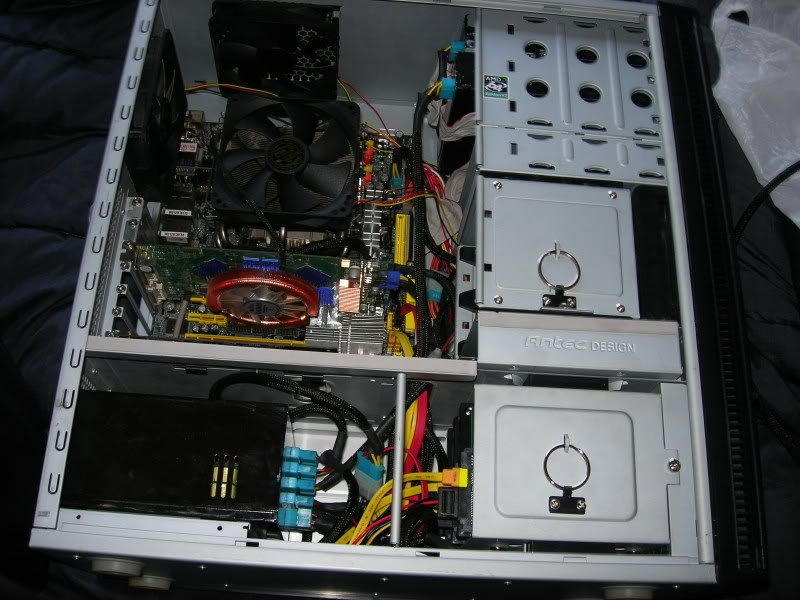
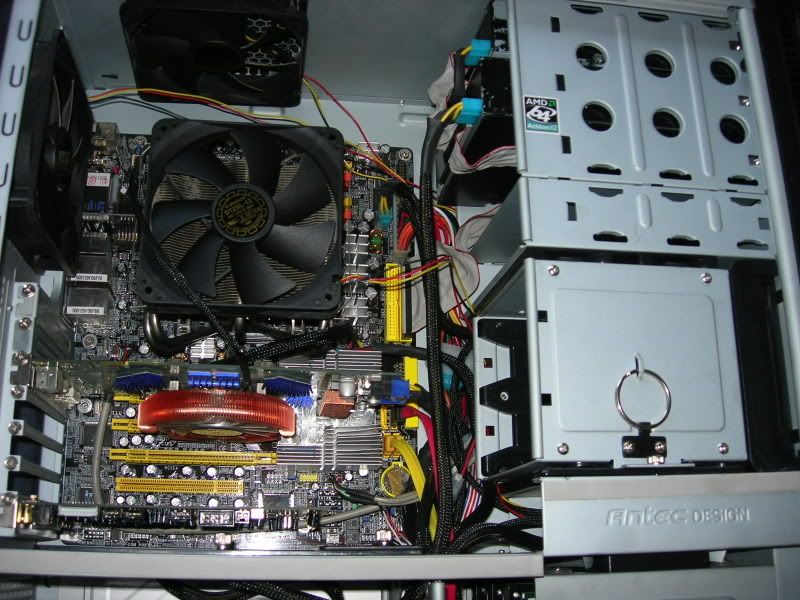
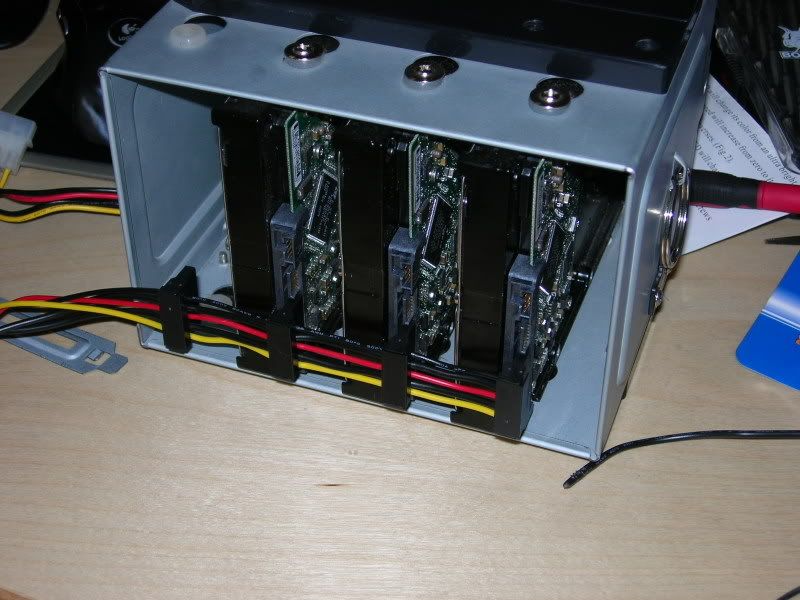
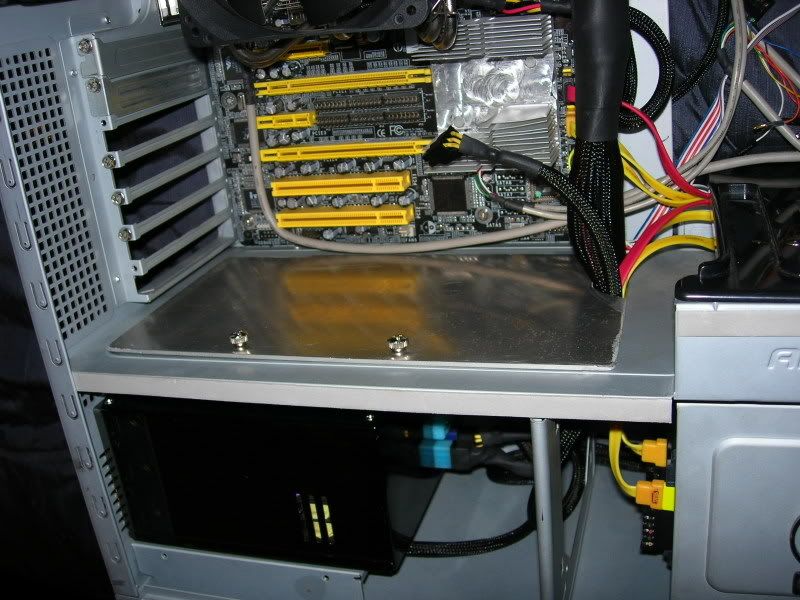
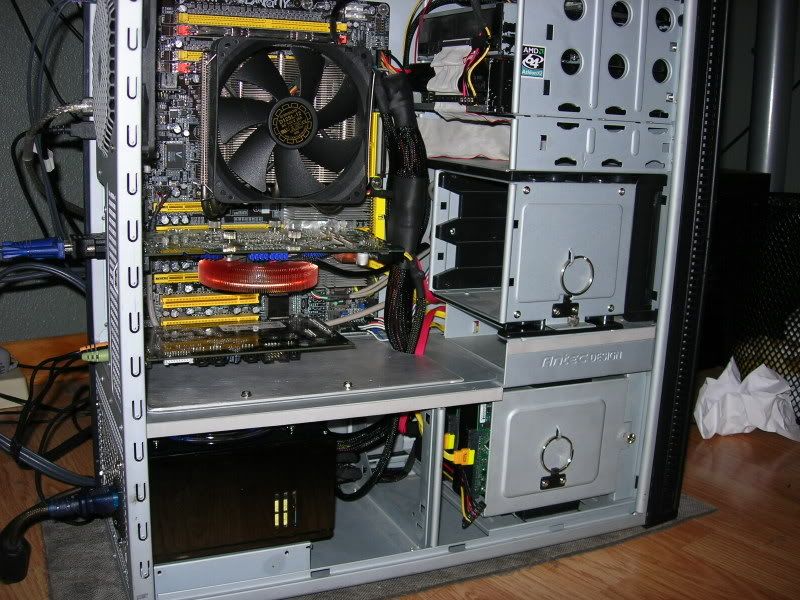
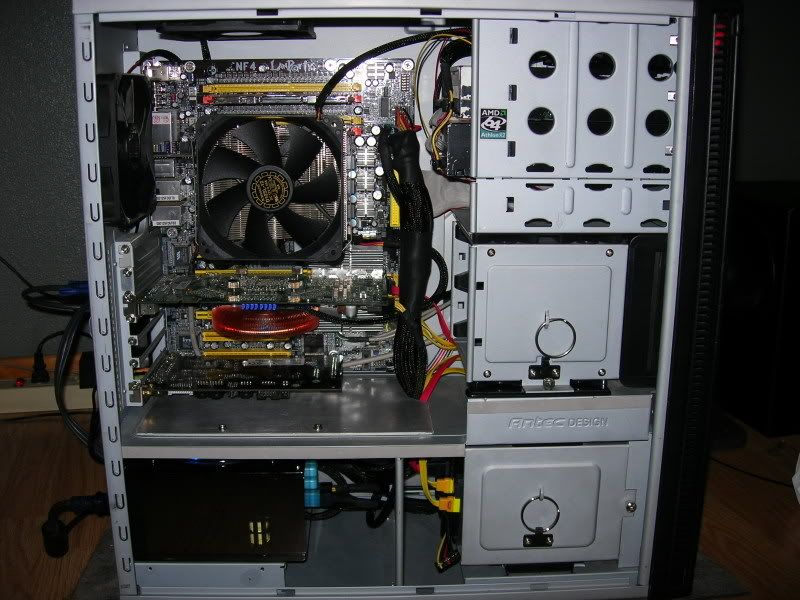
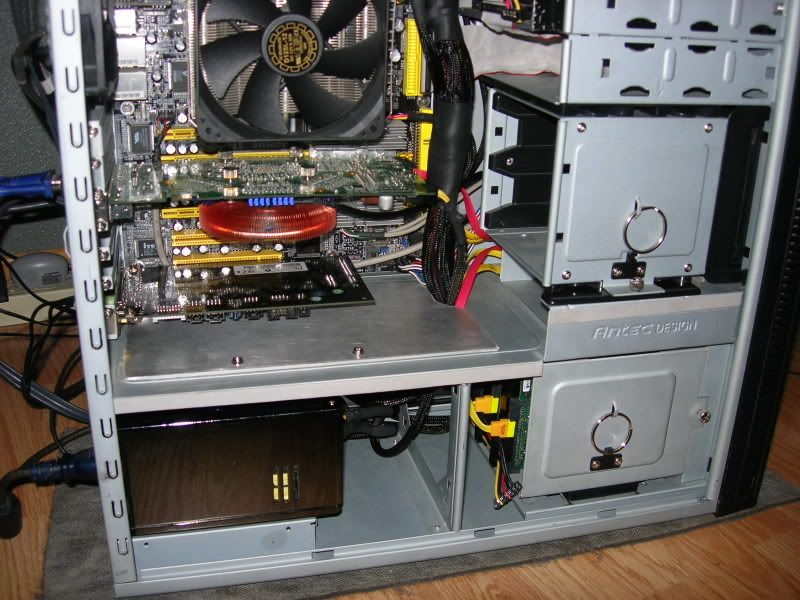
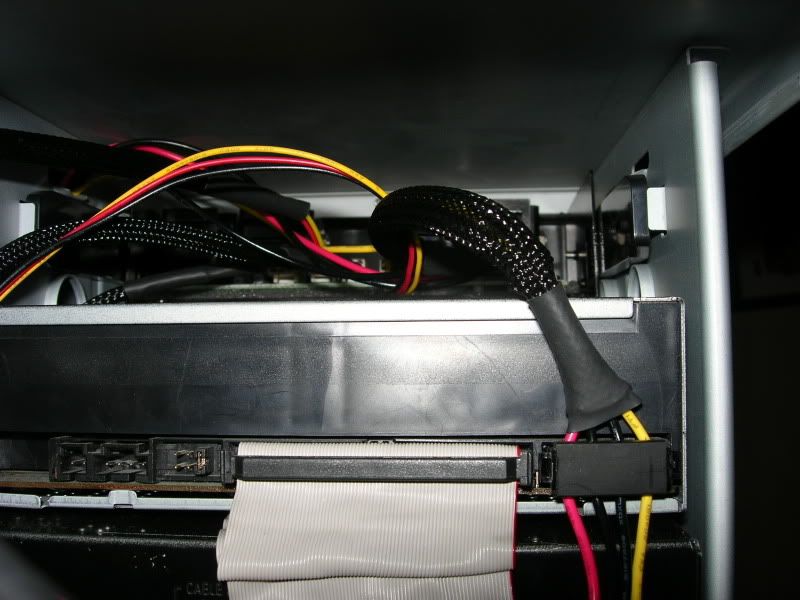
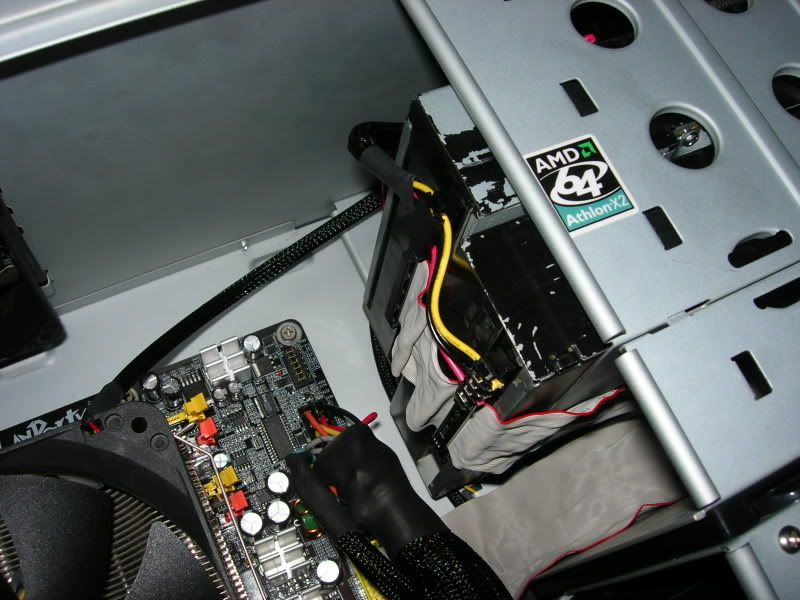
Cleaned-up and Rewired P180 56k Be Warned.
- Thread starter twitchee2
- Start date

Dangman
Ninja Editor SuperMod
- Joined
- Dec 15, 2005
- Messages
- 46,056
Nice work man. Got a P180 myself and you just gave me a few ideas about how to rewire my P180. 
DumpsterDiver727
Limp Gawd
- Joined
- Dec 20, 2006
- Messages
- 129
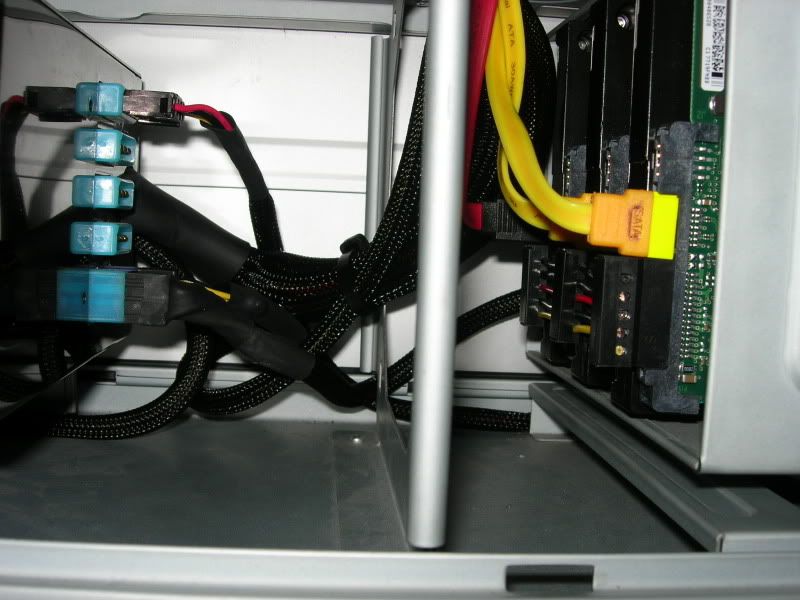
Reminds me of Earm's rig. I wanna know where both of you got those 90 degree power connectors for HDs and roms. I have seen UV wiring connectors, but never seen a kit of those.
Jomanscool2
Limp Gawd
- Joined
- Jan 30, 2007
- Messages
- 348
performance-pcs.com.
Has push-down style right angle connectors for molex and SATA. I'm about to do that myself, except for the initial build. Just need to go grab a soldering iron and a heatgun... BRB!
Has push-down style right angle connectors for molex and SATA. I'm about to do that myself, except for the initial build. Just need to go grab a soldering iron and a heatgun... BRB!
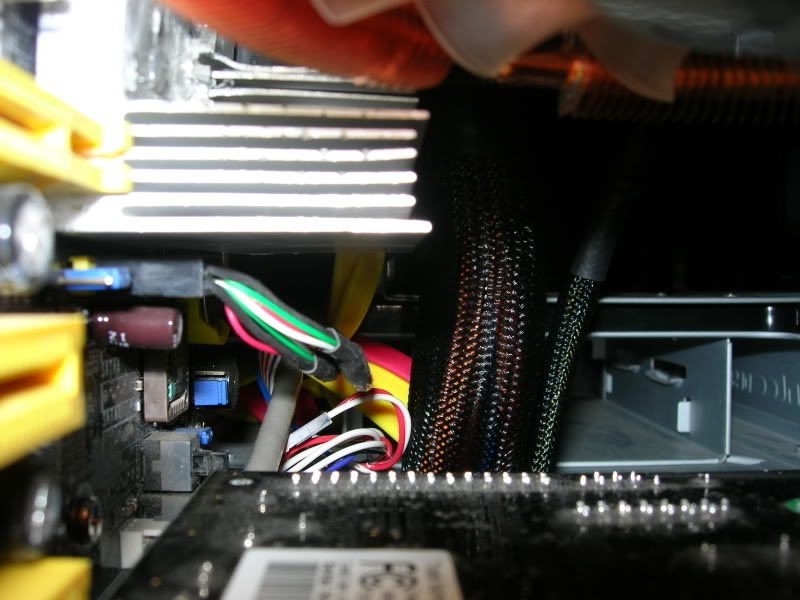
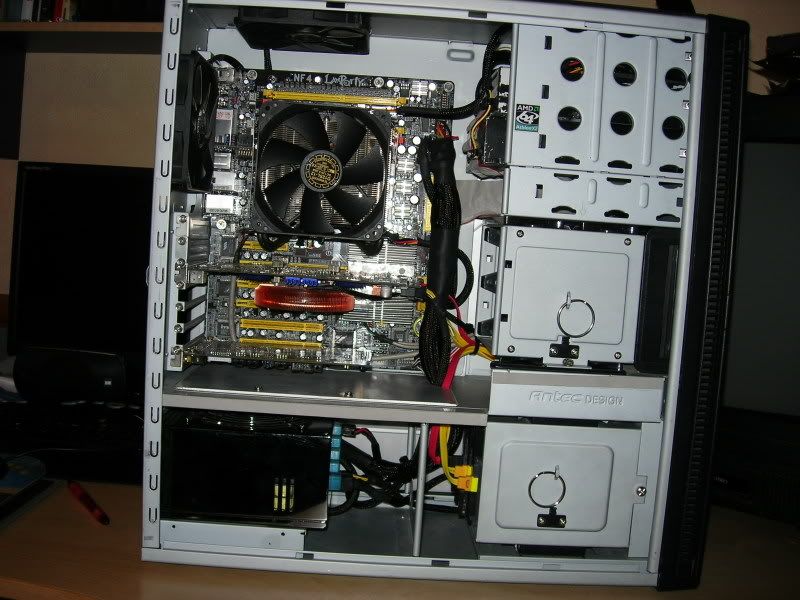
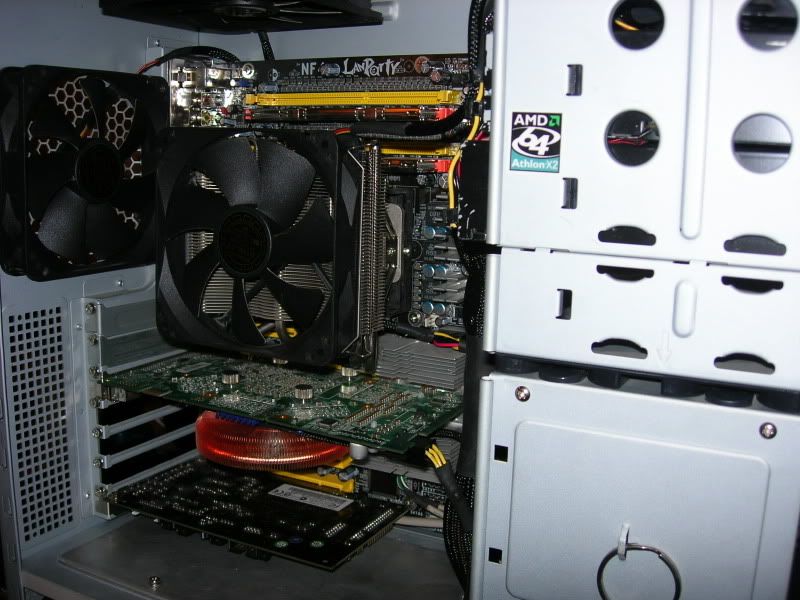
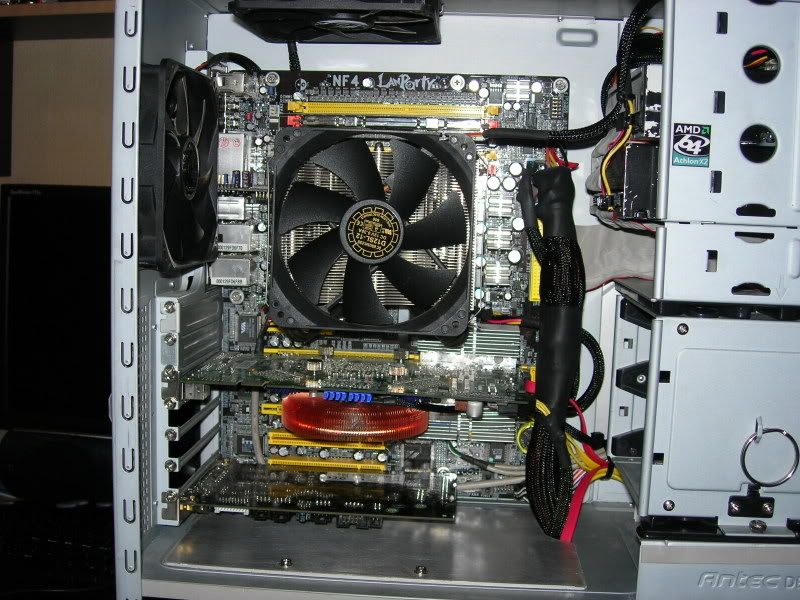
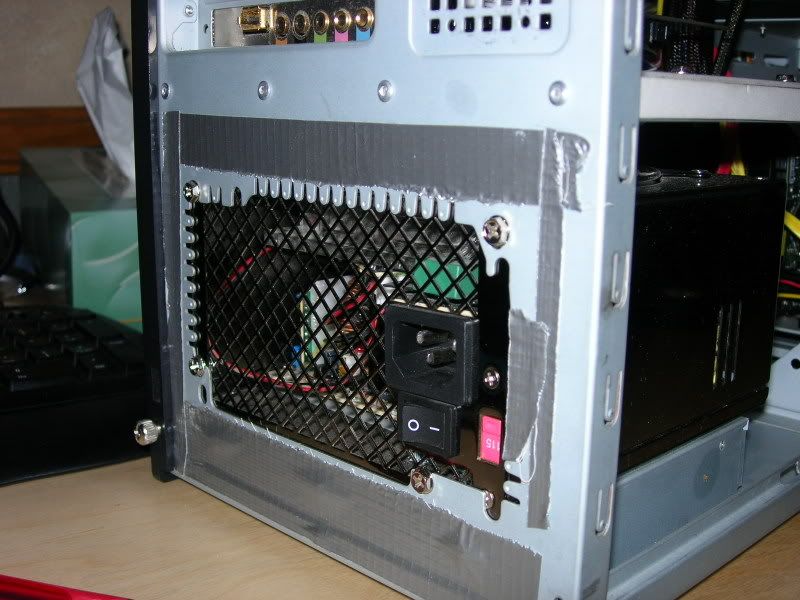
I like what you've done with the duct tape. Only thing, it works better if you do it from the inside. Also, don't forget the series of holes next to the pci slots, good place to seal. On my p180, i've sealed every hole that i don't want, so i can control the way the airflow goes.
I like what you've done with the duct tape. Only thing, it works better if you do it from the inside. Also, don't forget the series of holes next to the pci slots, good place to seal. On my p180, i've sealed every hole that i don't want, so i can control the way the airflow goes.
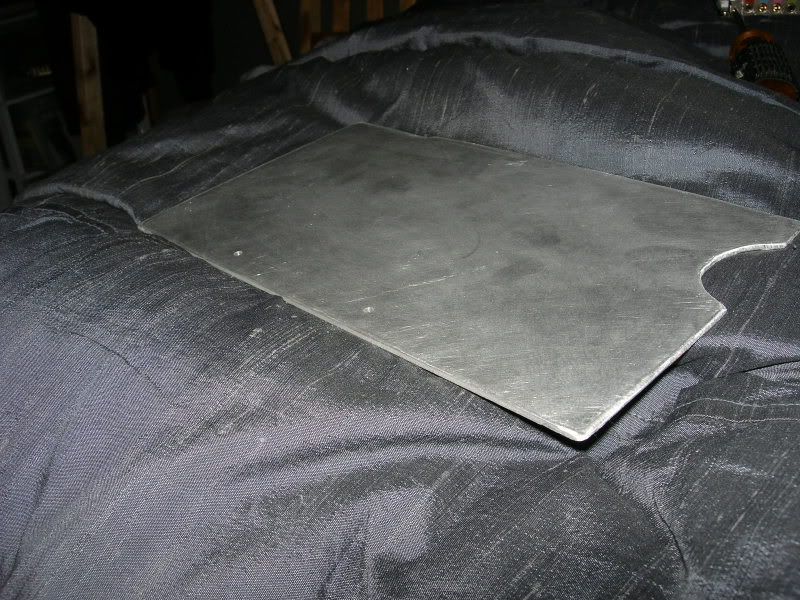
My PCI slots are open so im not going to bother with that part. I did the back duct tape because that piece of AL completely sealed off the top so no air gets through there.
young wing
2[H]4U
- Joined
- Jan 21, 2007
- Messages
- 2,552
What kind of HS? I will be looking into ordering next week.
[ T ] A C O;1030678571 said:What kind of HS? I will be looking into ordering next week.
Which one?